


Buy eSIM plans instantly
Get an eSIM plan for your destination directly in the Jetpac eSIM app with just a few taps.

 Travel eSIM App
Download the app to stay connected across 200+ destinations with seamless data, easy top-ups, voice calling features, and SOOOOOOOO many more perks!



500k+
Happy customers

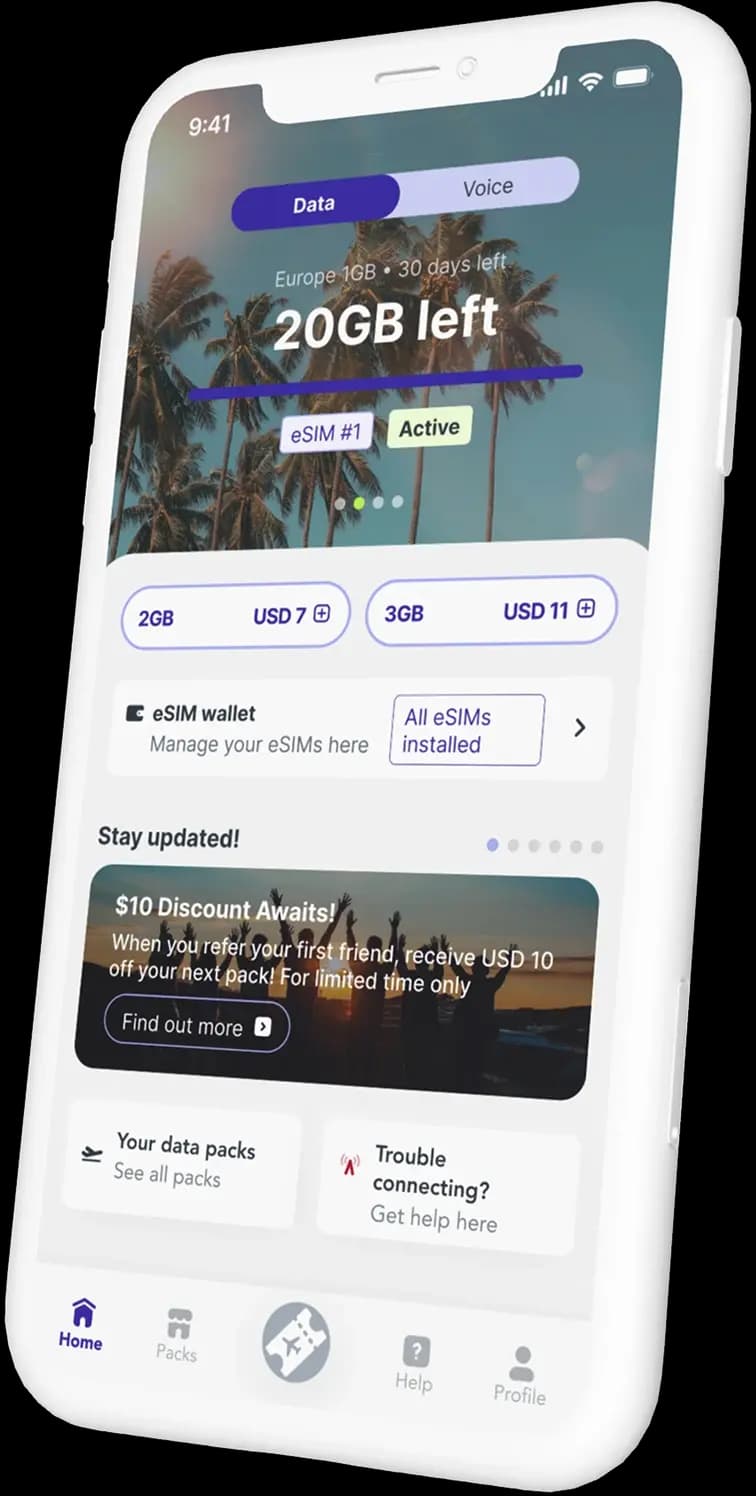
Travel shouldn't come with roaming surprises. That's why Jetpac is built to make global data simple, so you can stay connected the moment you land. As a trusted global eSIM app, Jetpac lets you choose the right eSIM plan for your destination, manage voice packs, and keep control of your data in the app as you move between countries.
Why Jetpac is the best choice for international travel:

Get one app for all your trips — without switching physical SIM cards.
Pick a plan that fits your travel style and top up anytime.
Stay online with multiple-network connectivity and 4G/5G speed.
Just download the Jetpac app and you have access to your complete data usage. No hidden costs or bill shocks.

A travel eSIM app that keeps you connected worldwide
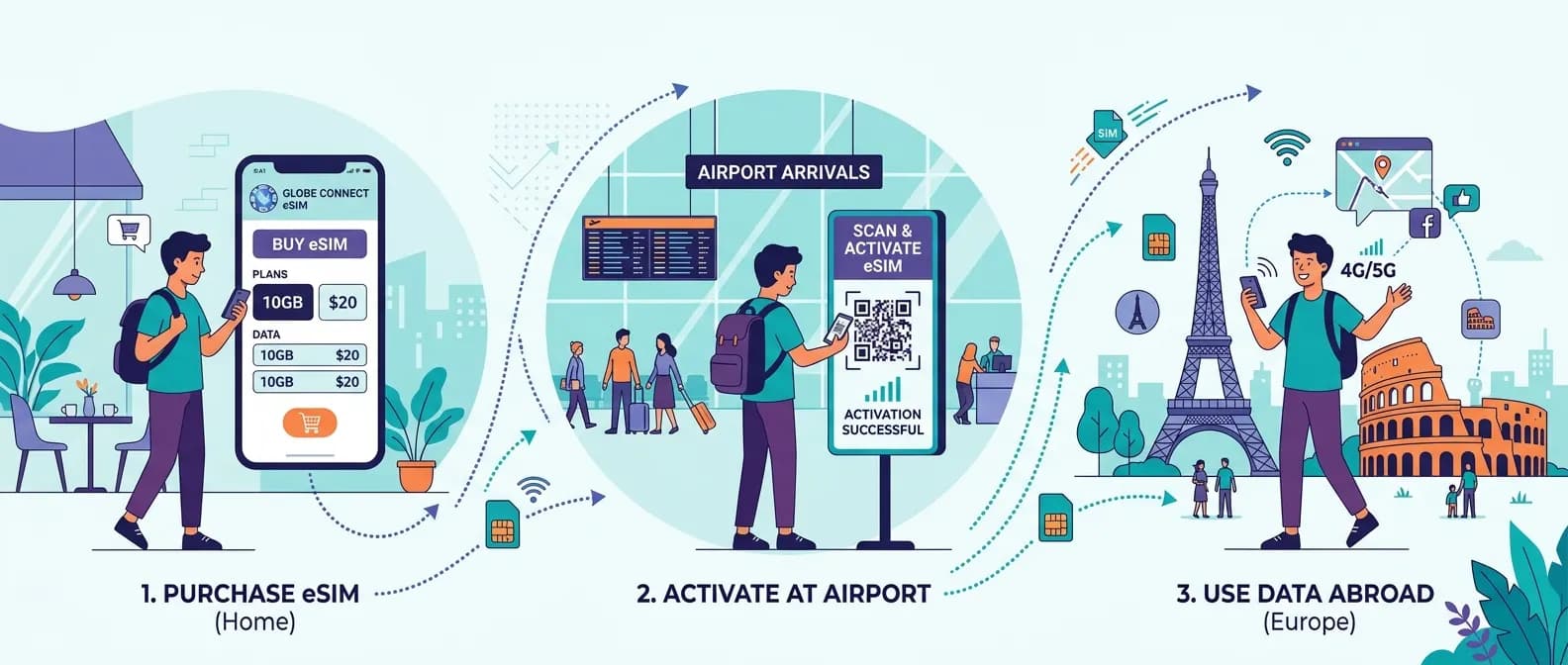
Get an eSIM plan for your destination directly in the Jetpac eSIM app with just a few taps.

Skip QR codes. Install your eSIM directly in the app with one tap.

Stay in control — track data live in the Jetpac app and avoid running out mid-trip.

Low on data? Top up in seconds and keep your eSIM running without interruption.

Hopping countries? Save multiple destination eSIM plans in one app and switch as you go.

Access support directly in the app, anytime, with help available 24/7.
Your trusted travel eSIM app for flexible plans, easy management, and worry-free connectivity abroad.
Find us on the App Store or Google Play and download the app based on your device.
Pick a destination and select the travel eSIM plan best-suited for your trip.
Install your eSIM in the app and stay connected from the moment you land.
Track usage, top up anytime, and keep your travel eSIM ready for your next destination.
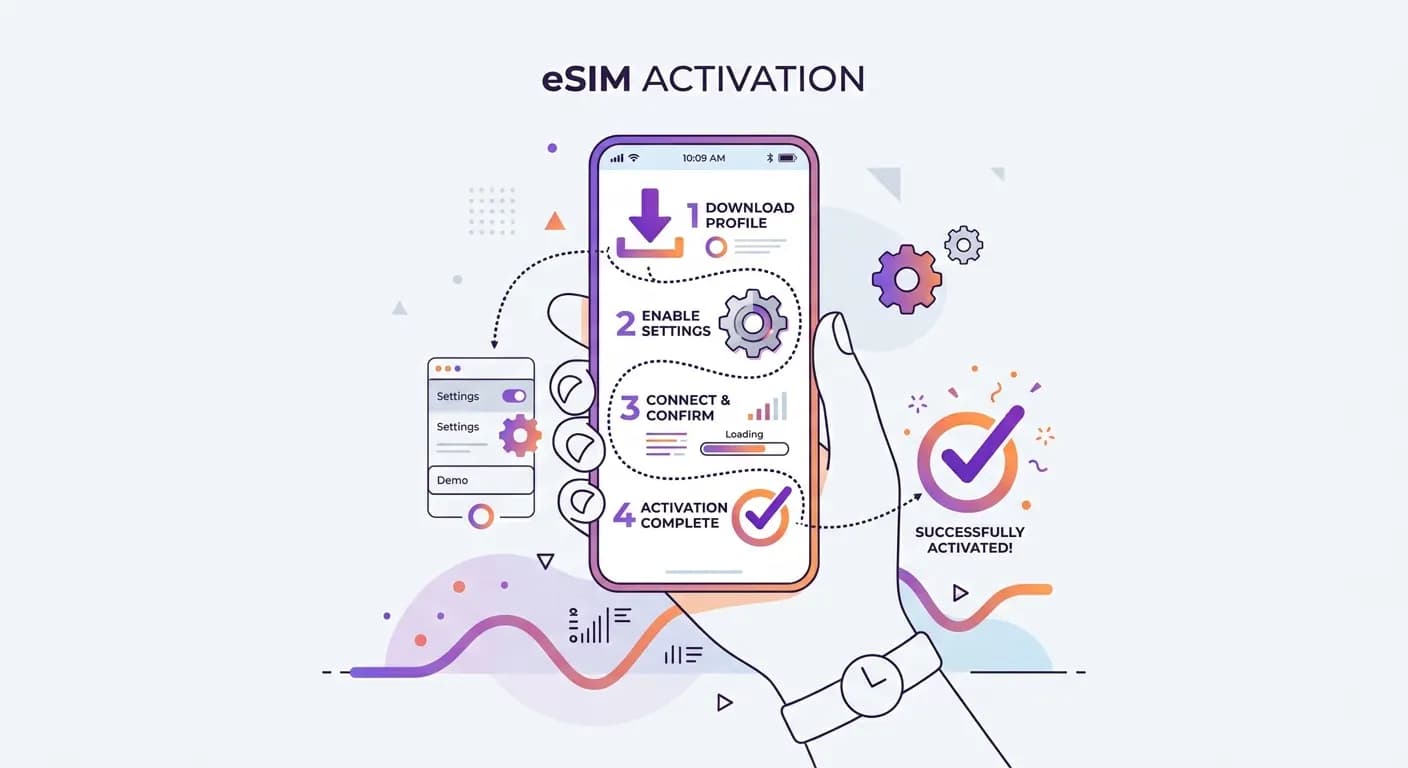
Once you arrive, use these steps to activate your Jetpac eSIM plan and connect smoothly.
Open Mobile Data and select your eSIM.
Choose your Jetpac eSIM (or the label you assigned) and turn it on.
Go to Data Roaming and switch it on to start using your Jetpac eSIM plan abroad.
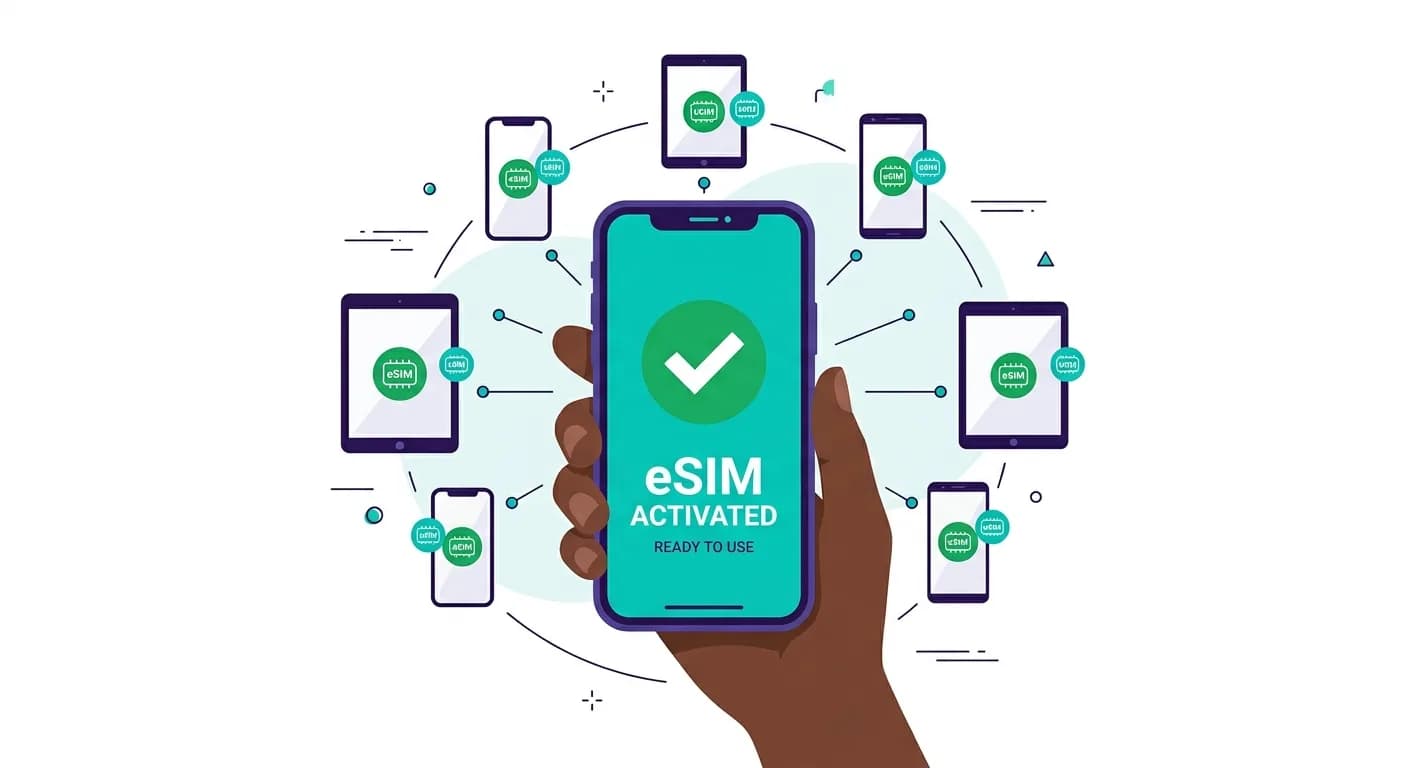
Before you download the Jetpac eSIM app, make sure your device supports eSIM. Most newer iPhone and Android models are eSIM compatible, but availability can vary by device and carrier.

Go to Settings → Mobile Service
If you see Add eSIM (or Add Cellular Plan), your phone supports eSIM.

Go to Settings → Mobile Network & Internet → SIMs.
If you see Add eSIM or Download a SIM, your phone supports eSIM.
If you're unsure, check our full list of eSIM compatible devices before you download the app.
The Jetpac eSIM app makes it easy to choose an eSIM plan, stay connected, and manage everything in one app so you can focus on the trip, not the connection. Jetpac eSIM App is right for you if you're travelling as —


Stay in sync from airport to hotel — use the Jetpac travel eSIM app for reliable data for maps, bookings, messaging, and ride-hailing abroad.

Keep travel logistics simple. Get an eSIM plan for your destination, track usage in the app, and top up anytime — without roaming surprises or SIM swap hassles.

Make group travel easier with high speed connection for planning, navigation, and meetups. Jetpac also supports hotspot sharing.

Travel confidently with a dependable global eSIM app that keeps you connected for navigation, translation, and safety check-ins wherever you go.

Stay productive on the move — manage your eSIM and data packs in the Jetpac app, and top up quickly between meetings or countries.
 Available on iOS & Android
Join 500K+ customers using the Jetpac eSIM app to stay connected abroad with flexible destination eSIM plans — all managed in one app.


In-app perks that make travel smoother — available only in the Jetpac app.

Relax before takeoff with discounted lounge access available as an in-app add-on when you travel with Jetpac.

Flight delayed? Activate SmartDelay in the Jetpac app and enjoy airport lounge access when eligible.

Call hotels, cab service, or local landlines right after you land, perfect when you can't rely on Wi-Fi or apps alone.

Invite friends and earn up to $10 in rewards.
Get $10 for your first referral, then $5 for each referral after and your friend gets $5 each time too.
Questions? Our friendly team is available 24/7
Contact us