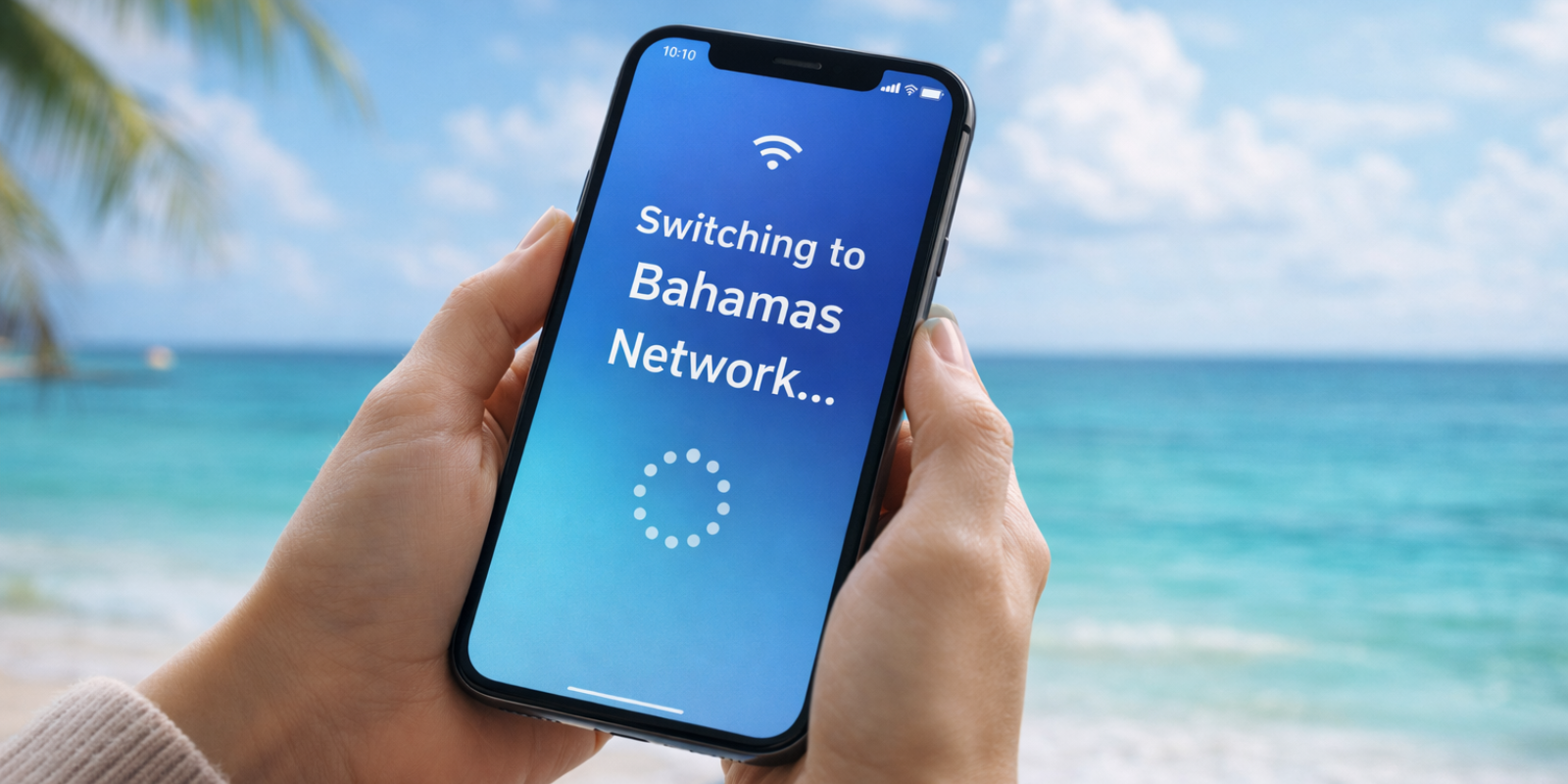
Does iPhone 15 have eSIM Support? Everything You Need to Know
Find out does iPhone 15 has eSIM support, how eSIM works on each model, regional differences, activation steps, and travel-friendly eSIM options.
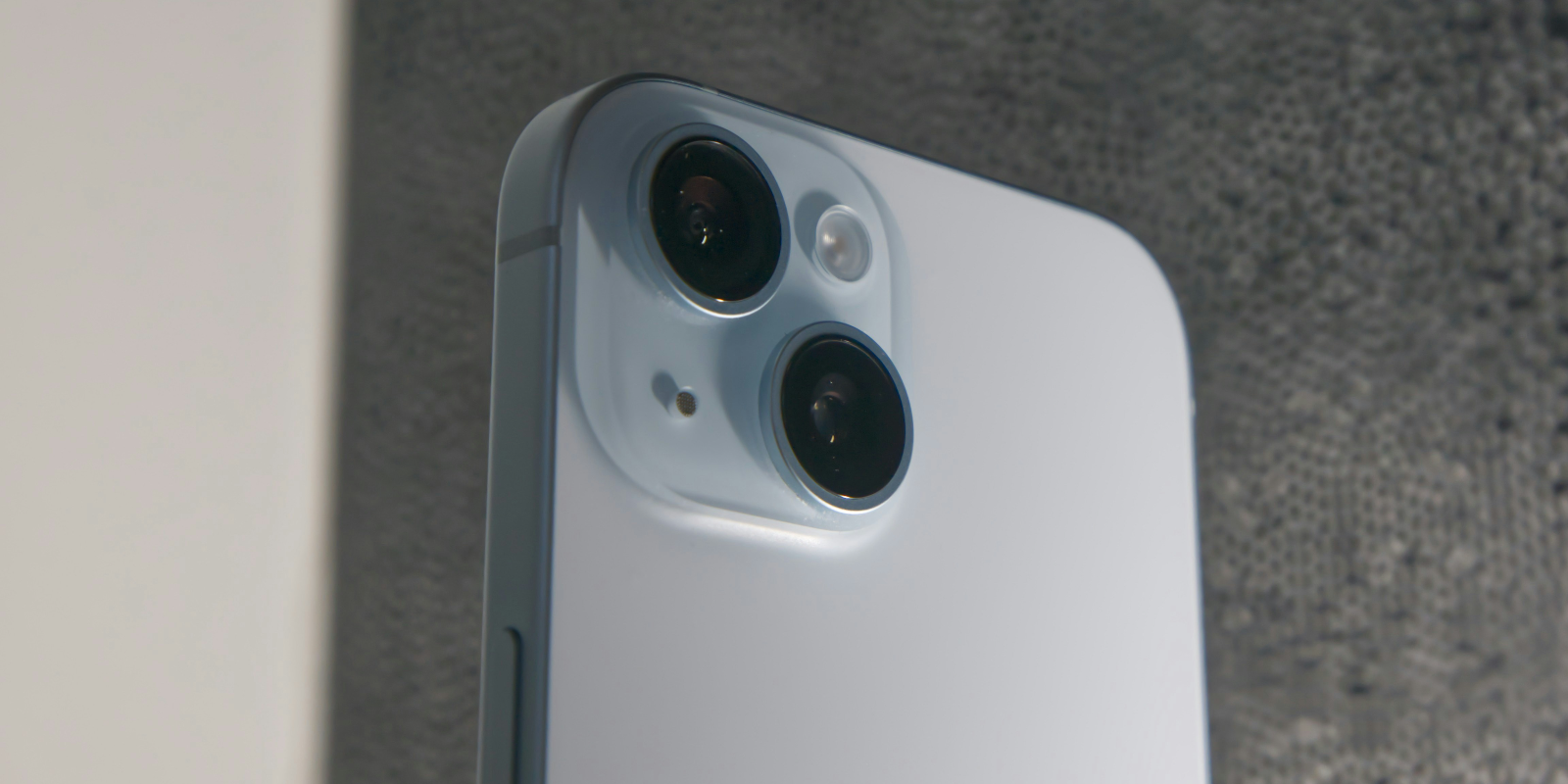
The iPhone 15 series supports eSIM across all models, with US versions using eSIM only and international models offering both physical and digital options. It stores multiple profiles and keeps two lines active, making it easy to manage work, personal, and travel plans. With fast setup and wide compatibility, the iPhone 15 offers a clean and flexible way to stay connected.
eSIM technology has become a key feature in modern smartphones, replacing physical SIM cards with a built-in digital profile. This makes it easier to switch carriers, activate plans instantly, and avoid handling small plastic cards. As more brands adopt eSIM, it is becoming a standard part of the smartphone experience.
Apple has been one of the main drivers of this shift, offering eSIM across its recent iPhone lineup. With eSIM, users can set up plans faster, store multiple numbers on one device, and benefit from a cleaner design without SIM slots in some regions.
This continues with the iPhone 15 series, which supports eSIM across all models. In certain markets, the iPhone 15 is even eSIM only, showing how the industry is moving toward fully digital connectivity. This allows quicker activation, easier switching, and a smoother experience for everyday use and travel.
This blog explains everything important about eSIM on iPhone 15, including compatibility, activation, regional differences, and key features that shape the user experience.
iPhone 15 eSIM compatibility
Apple released the iPhone 15 lineup in September 2023, continuing its shift toward a more modern, simplified mobile experience. The series includes four models, each designed with updated cameras, faster performance, and deeper integration of digital features like eSIM. As Apple moves away from physical SIM cards, many users now ask, "Does iPhone 15 have eSIM support across all versions?"
Here are all the devices in the iPhone 15 family:
iPhone 15
iPhone 15 Plus
iPhone 15 Pro
iPhone 15 Pro Max
All four models support eSIM. The difference comes down to the hardware sold in each region. In the United States, the entire lineup is iPhone 15 eSIM only, with no physical SIM slot at all. International models include both a physical SIM tray and full eSIM capability.
So if you are wondering, "Does iPhone 15 support eSIM?", the answer is yes across the entire lineup. The only variation is whether your specific device also includes a physical SIM slot, which depends entirely on where it was purchased.
This makes the iPhone 15 one of Apple’s most flexible devices for users who switch plans often or rely on eSIM for travel.
Technical specifications of iPhone 15
The iPhone 15 series has a built-in eSIM system that manages mobile plans digitally without using a physical card. Here are the core technical details that define how iPhone 15 eSIM works:
eSIM storage and active lines
The device can store up to 8 eSIM profiles, which directly answers how many eSIMs can be used in the iPhone 15.
Out of these stored profiles, 2 lines can stay active at the same time.
Dual SIM capability
US models support eSIM plus eSIM since they do not include a physical SIM tray.
International models support physical SIM plus eSIM, depending on the region.
Compatibility
Most major global carriers support activation on the iPhone 15 series. If you are checking if the iPhone 15 eSIM is compatible, the device itself is compatible; carrier policies determine how activation is handled.
How does eSIM work on iPhone 15?
The iPhone 15 activates an eSIM through a few simple steps. Once the plan is installed, your device connects to the network just like it would with a physical SIM card. The process is quick and does not require visiting a store.
Activation methods
You can set up iPhone 15 eSIM using any of these methods:
QR code - Scan the code your carrier provides.
Carrier app - Install the carrier’s app and follow the prompts to add your plan.
Manual setup - Enter the activation details manually when your carrier supplies them.
Managing eSIM profiles
All installed profiles appear under Settings in the Cellular menu. You can turn lines on or off, rename them, choose which number handles calls or data, and switch between plans anytime.
Switching between SIM types
US models use eSIM only, so all line changes happen digitally.
International models let you switch between a physical SIM and an eSIM when needed.
These options keep the setup simple, whether you are managing multiple numbers or using an eSIM for international travel.
Regional limitations and carrier support
eSIM support on the iPhone 15 works differently depending on where the device is sold and which carrier you use. The hardware is ready for digital activation in all regions, but local regulations and carrier policies influence how the feature behaves.
United States
All models sold in the US are iPhone 15 eSIM only. There is no physical SIM tray. Every mobile plan must be activated digitally using eSIM.
International/Global markets
Devices sold outside the US include both a physical SIM slot and eSIM support. This setup gives users more flexibility in regions where carriers still rely on physical cards. The device remains fully compatible with digital activation, so does iPhone 15 support eSIM is a clear yes in all markets.
China
Mainland China does not support eSIM due to local rules. iPhone 15 models sold there use a physical SIM only. Hong Kong and Macau versions, however, support eSIM.
Carrier influence
If you are checking "if the iPhone 15 eSIM is compatible with your provider", the device itself is compatible. Activation depends on whether your local carrier supports eSIM provisioning for your plan. Most major networks already do, while some smaller carriers are still transitioning to digital systems.
Advantages of eSIM technology
eSIM makes the iPhone 15 easier to set up and manage, especially for users who switch plans or travel often.
1. Fast activation
You can add a mobile plan in minutes without inserting a physical SIM or visiting a store.
2. Cleaner and safer design
Removing the SIM tray improves water resistance and keeps your number secure, since it cannot be removed with a card.
3. Better for travel
An eSIM for international travel installs instantly and keeps you connected as soon as you land. This works well across all models, including the iPhone 15 Pro Max with eSIM.
4. Supports long-term use
No small plastic cards, no packaging waste, and fewer parts that can break or get lost.
Troubleshooting common issues
If your eSIM is not setting up correctly on the iPhone 15, the problem is usually related to carrier support or device settings rather than the hardware itself. Here are the most common issues and how to fix them.
eSIM option not showing
Your carrier may not support digital activation on your plan
The device may be locked to another network
iOS might need an update
This can affect users who check does iPhone 15 supports eSIM and don’t see the option in Settings.
Activation failures
The QR code has expired or has not been properly activated
Carrier provisioning is delayed
Network connection is unstable during setup
Restarting the device or requesting a new QR code usually solves the issue.
Switching between profiles
If switching lines is slow or not working, check that the correct plan is turned on under Cellular. Some carriers require revalidation when moving between stored profiles.
Carrier restrictions
If you are unsure "if the iPhone 15 eSIM is compatible with your plan", contact your carrier. Some prepaid or older plans do not support eSIM, even though the phone itself does.
Best eSIM options for international travel on iPhone 15
Using an eSIM for international travel is one of the simplest ways to stay connected while moving between countries. It removes the need to buy physical SIM cards, wait in lines, or find a local store when you land. The iPhone 15 supports instant digital activation, which makes travel plans easy to install and switch.
Jetpac is a popular choice among travelers because it keeps the experience simple and reliable across many regions. It works well on all models, including iPhone 15 eSIM and iPhone 15 Pro Max eSIM, and supports fast setup from anywhere.
Why Jetpac works well for iPhone 15 users?
Free access to WhatsApp chat, Google Maps, and Uber even when your data ends, helping you stay connected to essential apps.
In-app voice calling in 50-plus countries, including calls to landlines and non-WhatsApp numbers. Packs start at $1.99 for 5 minutes.
Unlimited hotspot sharing for laptops, tablets, or sharing data with a companion.
Transparent pricing with no roaming surprises, often saving travelers up to 70 percent.
One eSIM for 200-plus destinations with quick activation.
Automatic connection to the strongest network available in each region.
Fast 4G or 5G speeds were supported.
A simple money-back guarantee to keep the experience worry-free.
FAQs
Does iPhone 15 has eSIM support worldwide?
Yes. All models in the series support digital SIMs. The main difference is in the hardware version you buy. US models are iPhone 15 eSIM only, while international models still include a physical SIM slot. No matter which version you have, the device offers full iPhone 15 eSIM capability.
Does iPhone 15 support eSIM in every country?
The device itself does, but activation depends on your carrier. If you are checking whether the iPhone 15 eSIM is compatible with your plan, contact your provider to confirm whether digital activation is supported in your region.
How many eSIMs can be used in the iPhone 15?
The iPhone 15 can store up to eight eSIM profiles and keep two active lines at the same time. This makes it easy to run work and personal numbers or add an eSIM for international travel while keeping your primary line active.
How do I activate eSIM on iPhone 15?
Go to Settings, tap Cellular, choose Add eSIM, and follow the steps. You can scan a QR code, use your carrier’s app, or enter details manually. This applies to all models, including the iPhone 15 Pro Max eSIM.
Why is my eSIM not working on the iPhone 15?
If your phone is not detecting an eSIM, it is usually related to carrier compatibility or an outdated iOS version. Some users ask if does iPhone 15 has eSIM support because the option does not appear immediately. Restarting the phone, updating iOS, or requesting a new QR code often fixes the issue.
Disclaimer
All device features, technical data, and carrier details in this blog are based on publicly available information. Actual support may vary by region and by mobile provider. This content is for educational purposes only. Jetpac is not responsible for changes in device specifications, network performance, or carrier policies.